
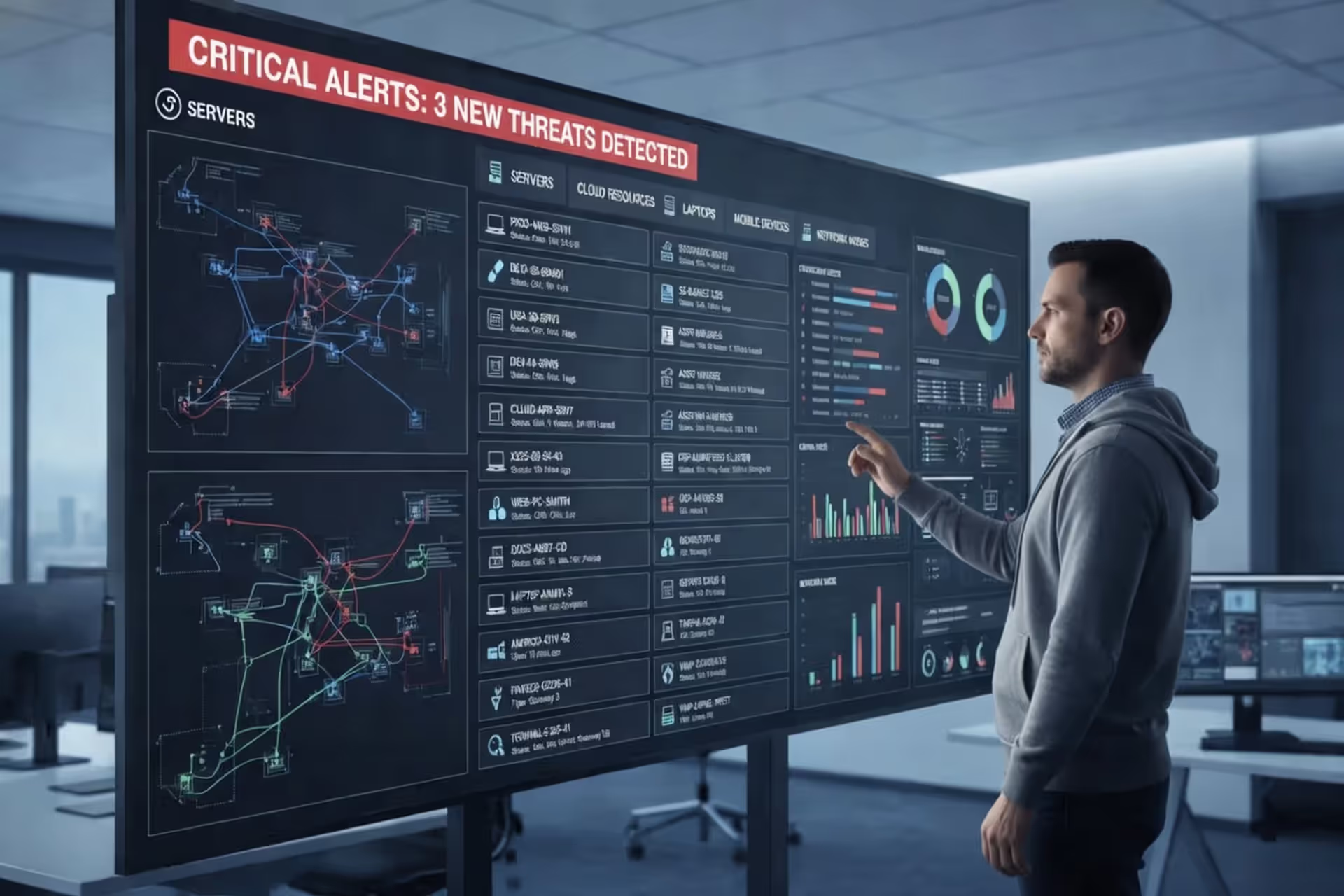
Cybersecurity analyst reviewing a digital asset inventory dashboard
Cybersecurity Asset Inventory Guide

A cybersecurity asset inventory is a comprehensive, continuously updated catalog of all technology resources within an organization's environment that require security oversight. Unlike a general IT inventory that tracks assets primarily for procurement, warranty management, or depreciation purposes, a security-focused asset inventory emphasizes attributes critical to protecting the organization from threats: software versions, patch status, network exposure, access privileges, and data sensitivity.
The cybersecurity asset inventory explained in practical terms means maintaining a living database that answers fundamental questions: What devices connect to our network? Which applications process customer data? Where do our cloud workloads run? Who has administrative access to critical systems? Without accurate answers, security teams operate blindly.
This distinction matters because IT asset management systems often track purchase orders and hardware serial numbers but miss shadow IT deployments, contractor laptops, or ephemeral cloud instances that attackers routinely exploit. A security inventory must capture the actual operational state of assets, not just what procurement records indicate should exist.
The cybersecurity asset inventory basics start with three core components: discovery mechanisms that find assets across all environments, classification systems that prioritize based on risk exposure, and maintenance processes that keep records current as infrastructure changes. Organizations that master these fundamentals gain visibility into their attack surface—the first requirement for any effective security program.
Why Organizations Need Asset Inventories for Security
Regulatory frameworks now mandate asset inventories as a baseline control. The Payment Card Industry Data Security Standard (PCI DSS) requires merchants to maintain current network diagrams and asset lists. The NIST Cybersecurity Framework identifies asset management as the foundation of its "Identify" function. CMMC 2.0 for defense contractors explicitly requires organizations to document all systems that process controlled unclassified information.
Author: Ethan Caldwel;
Source: williamalmonte.net
Beyond compliance checkboxes, asset inventories enable attack surface management. Each unknown or unmanaged asset represents a potential entry point. The 2025 breach at a major healthcare provider occurred through an overlooked VPN appliance that hadn't received patches in eighteen months—it didn't appear in the security team's inventory because facilities management had installed it independently for building automation systems.
When incidents occur, response teams need immediate answers about affected systems. An accurate inventory cuts investigation time from days to hours by quickly identifying which servers run vulnerable software versions, which endpoints accessed compromised credentials, or which databases contain regulated data that triggers breach notification requirements.
Risk assessment programs depend entirely on knowing what exists. Security teams cannot evaluate threats against unknown assets or prioritize remediation for systems they don't track. The inventory becomes the foundation for vulnerability management, configuration compliance, and threat modeling exercises.
You cannot protect what you cannot see. Every major breach investigation I've led involved assets that organizations didn't know they had or thought they'd decommissioned years ago. The inventory isn't paperwork—it's the difference between controlled risk and blind hope
— Marcus Chen
How Cybersecurity Asset Inventory Works
Asset inventory systems combine discovery technologies with classification workflows and continuous monitoring capabilities. Discovery identifies what exists across networks, cloud platforms, and endpoints. Classification assigns attributes like criticality, data sensitivity, and ownership. Continuous monitoring detects changes—new deployments, configuration drift, or assets going offline.
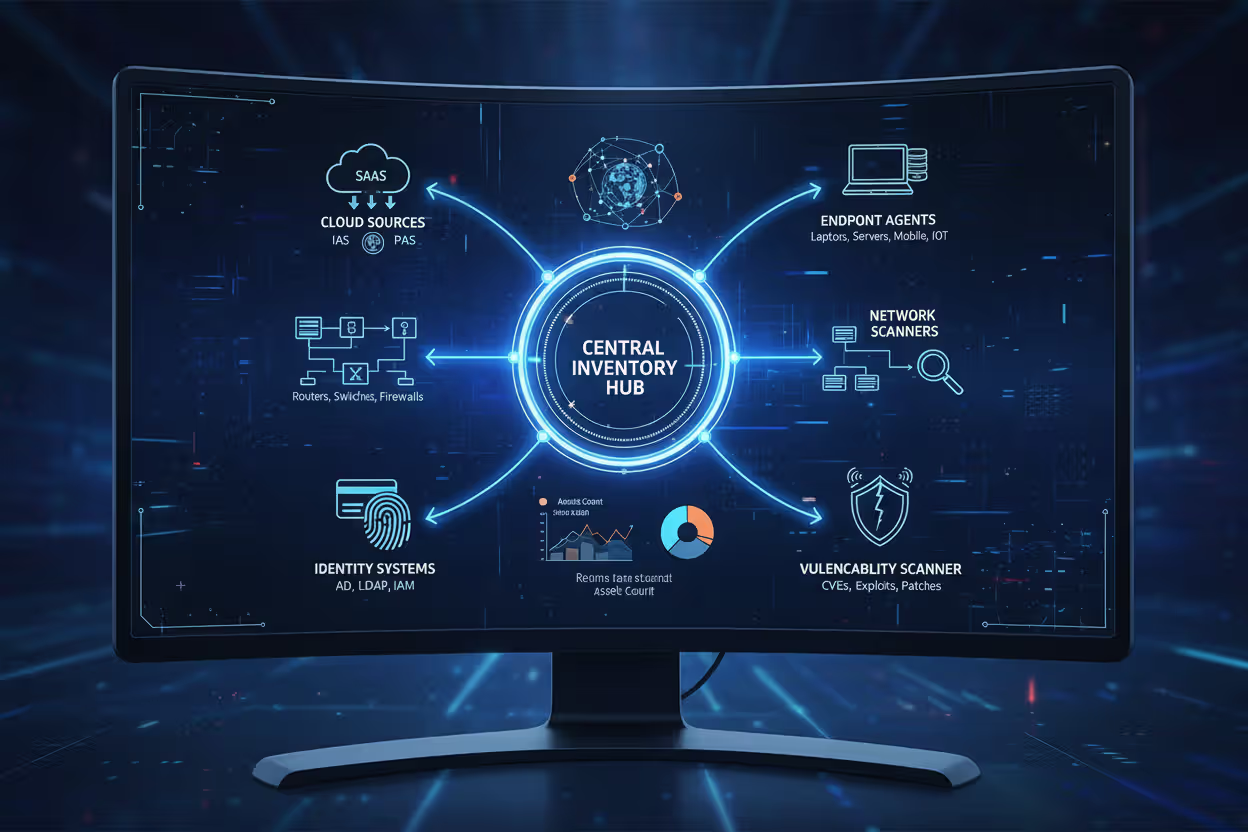
Modern inventory platforms integrate with existing security tools, pulling data from network scanners, endpoint agents, cloud APIs, vulnerability scanners, and identity systems. This integration creates a unified view rather than forcing analysts to correlate information across disconnected tools.
Automated vs. Manual Discovery Methods
| Method | Pros | Cons | Best Use Cases |
| Network scanning | Finds devices without agents; covers legacy systems; discovers rogue devices | Misses offline assets; limited visibility into software; requires network access | Initial baseline creation; IoT/OT environments; guest networks |
| Agent-based discovery | Deep visibility into software, configurations, processes; real-time updates | Requires deployment to each device; won't detect agentless cloud services | Managed endpoints; servers; workstations with standard builds |
| Cloud API integration | Accurate cloud resource data; captures ephemeral instances; tracks infrastructure-as-code | Platform-specific; requires API credentials; misses on-premises assets | Multi-cloud environments; containerized workloads; SaaS applications |
| Manual documentation | Captures context agents miss; includes business purpose and ownership | Labor-intensive; becomes outdated quickly; prone to human error | Specialized equipment; air-gapped systems; third-party hosted services |
Most organizations need a hybrid approach. Network scanning provides broad coverage for initial discovery, agents deliver detailed endpoint data, cloud APIs track dynamic infrastructure, and manual processes fill gaps for specialized assets.
Asset Classification and Prioritization
Raw discovery produces overwhelming data volumes—thousands of devices, applications, and services. Classification transforms this data into actionable intelligence by assigning attributes that drive security decisions.
Criticality ratings identify assets whose compromise would significantly impact operations. A customer-facing e-commerce platform rates higher than an internal test environment. Data sensitivity classifications flag systems handling payment information, health records, or intellectual property that trigger specific compliance requirements.
Network exposure assessment distinguishes internet-facing assets from internal systems. A database server accessible only from a private subnet poses different risks than a web application with public endpoints. Ownership assignment ensures someone takes responsibility for patching, configuration management, and access control decisions.
Priority levels combine these factors. A critical, internet-facing server processing payment data demands immediate attention for vulnerabilities. A non-critical internal workstation running standard software receives routine patching cycles. This prioritization prevents teams from treating all assets equally and wasting resources on low-impact systems while high-value targets remain exposed.
Types of Assets Tracked in Security Inventories
Comprehensive inventories extend beyond traditional hardware to capture the full technology ecosystem that attackers target.
Hardware assets include servers, workstations, laptops, mobile devices, network equipment, and IoT devices. A manufacturing company might track industrial control systems, badge readers, and environmental sensors alongside traditional IT equipment. Security teams need to know device locations, operating systems, firmware versions, and network connections.
Software assets encompass operating systems, applications, middleware, databases, and code libraries. This category presents particular challenges because software inventories must track not just installed applications but also versions, patch levels, and dependencies. A single outdated JavaScript library embedded in a web application can create vulnerabilities across dozens of services.
Cloud resources represent the fastest-growing category: virtual machines, containers, serverless functions, storage buckets, databases-as-a-service, and SaaS applications. Cloud assets appear and disappear dynamically as developers deploy infrastructure-as-code or business units subscribe to new services. A financial services firm discovered 127 active cloud accounts across three providers—security had visibility into only 31.

Author: Ethan Caldwel;
Source: williamalmonte.net
Data assets identify where sensitive information resides: customer databases, file shares, backup repositories, and data lakes. Knowing that personally identifiable information lives in specific databases enables teams to focus encryption, access controls, and monitoring efforts appropriately.
User accounts and credentials track who can access systems: employee accounts, service accounts, API keys, and privileged credentials. Orphaned accounts from departed employees frequently provide attackers with legitimate credentials that bypass perimeter defenses.
IoT and operational technology devices include security cameras, HVAC systems, medical devices, and industrial equipment. These assets often run embedded operating systems that never receive updates and lack basic security controls, yet they connect to corporate networks.
A retail organization's inventory might include point-of-sale terminals (hardware), payment processing software (software), customer data warehouses (cloud resources), credit card transaction logs (data assets), cashier login credentials (user accounts), and in-store surveillance cameras (IoT devices). Each category presents distinct security challenges requiring specific protective measures.
Common Mistakes When Building an Asset Inventory
Organizations frequently underestimate scope during initial inventory projects. They catalog data center servers and corporate workstations but ignore contractor laptops, personal devices accessing corporate email, or the marketing team's cloud analytics platform. This incomplete discovery leaves blind spots that attackers exploit.
Failing to assign clear ownership creates accountability gaps. An asset inventory that lists devices without identifying responsible parties becomes a reference document rather than an operational tool. When vulnerabilities emerge, security teams waste time determining who should patch affected systems.
Treating the inventory as a one-time project rather than an ongoing process guarantees obsolescence. Technology environments change constantly—developers spin up test environments, employees replace laptops, business units adopt new SaaS tools. An inventory built six months ago and never updated provides false confidence while reality diverges.
Using siloed tools that don't share data forces manual correlation. The network team maintains one database, the cloud team uses another, endpoint management runs separately, and security tries to reconcile everything in spreadsheets. This fragmentation introduces errors and delays.
Ignoring shadow IT—technology deployed without IT approval—leaves significant portions of the environment invisible. Business units subscribing to cloud services with credit cards, developers running personal AWS accounts for side projects, or departments purchasing their own collaboration tools all create assets that formal procurement processes never capture.

Author: Ethan Caldwel;
Source: williamalmonte.net
Neglecting decommissioning processes allows ghost assets to accumulate. Systems taken offline but never formally removed from the inventory create noise that obscures real assets. Worse, devices intended for retirement but still connected to the network provide attackers with unmonitored access points.
Steps to Create Your First Asset Inventory
Start by defining scope boundaries. Will the initial inventory cover only corporate-owned devices or include BYOD? Just production systems or also development and test environments? Only on-premises infrastructure or cloud resources too? Beginning with a focused scope—perhaps critical production systems—delivers faster results than attempting comprehensive coverage immediately.
Select discovery tools appropriate for your environment. Organizations with primarily on-premises infrastructure might prioritize network scanning and agent-based solutions. Cloud-native companies need platforms with strong API integrations for AWS, Azure, and GCP. Evaluate whether existing tools (vulnerability scanners, endpoint protection platforms, configuration management databases) already collect asset data that can be consolidated.
Execute baseline discovery across the defined scope. Run network scans during maintenance windows to minimize disruption. Deploy agents to managed endpoints. Configure cloud API connections with read-only credentials. Document specialized assets manually where automated discovery falls short.
Validate discovered data against known sources. Compare network scan results with DHCP logs, procurement records, and help desk tickets. This validation identifies false positives (temporary devices, virtual IPs) and false negatives (offline systems, scanning blind spots).
Enrich raw discovery data with classification attributes. Work with system owners to assign criticality ratings. Tag assets processing regulated data. Document business purposes and dependencies. This context transforms device lists into decision-support information.
Establish maintenance schedules aligned with environment change rates. Dynamic cloud environments might require daily discovery scans. Stable data center infrastructure could run weekly. Configure automated alerts for new asset detection, so security teams know immediately when unauthorized devices appear.
Create ownership assignment processes that make asset management part of provisioning workflows. When IT deploys new servers, the ticketing system should prompt for asset classification details. When cloud accounts get created, governance policies should enforce tagging standards that feed the inventory.
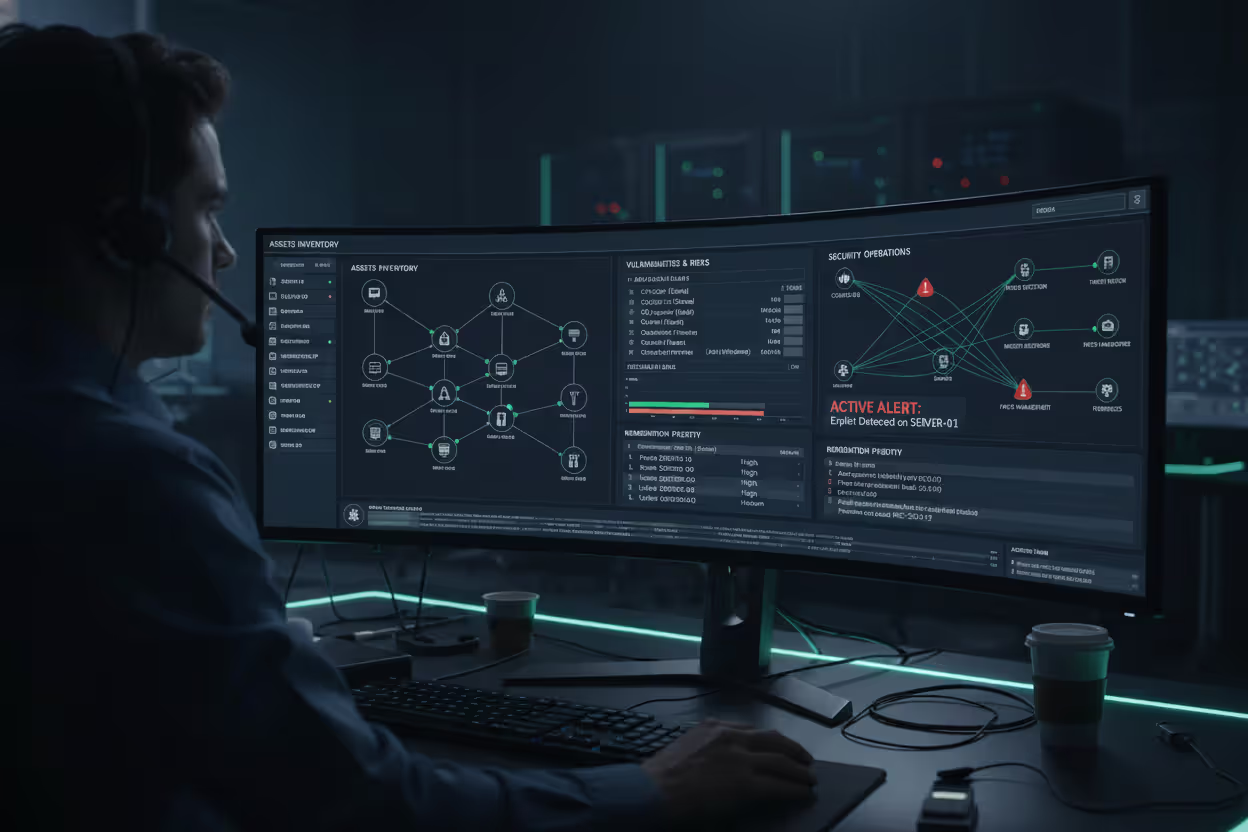
Integrate the inventory with security operations. Configure vulnerability scanners to prioritize findings based on asset criticality. Feed inventory data into SIEM platforms to enrich security alerts with asset context. Use the inventory to scope incident response by quickly identifying affected systems.
Author: Ethan Caldwel;
Source: williamalmonte.net
Plan for continuous improvement. Review inventory accuracy quarterly. Expand scope incrementally to cover additional asset types. Refine classification schemes as you learn which attributes actually drive security decisions versus which just create busywork.
Frequently Asked Questions About Cybersecurity Asset Inventories
Building and maintaining a cybersecurity asset inventory requires commitment, but the investment pays dividends across every security function. Organizations gain visibility into their attack surface, prioritize resources toward high-value assets, respond faster to incidents, and demonstrate compliance with regulatory requirements.
The inventory serves as infrastructure for mature security programs—the foundation supporting vulnerability management, threat detection, incident response, and risk assessment. Without accurate asset data, security teams operate reactively, discovering systems only after they're compromised.
Start small if necessary, but start now. A basic inventory covering critical systems delivers immediate value and establishes processes that scale as your program matures. The assets you don't know about pose the greatest risk.
Related Stories

Read more

Read more




The content on this website is provided for general informational and educational purposes only. It is intended to explain concepts related to endpoint security, cybersecurity practices, threat prevention, and security technologies.
All information on this website, including articles, guides, and examples, is presented for general educational purposes. Cybersecurity requirements and implementations may vary depending on organizational needs, infrastructure, regulatory requirements, and threat environments.
This website does not provide professional cybersecurity, legal, or compliance advice, and the information presented should not be used as a substitute for consultation with qualified cybersecurity professionals.
The website and its authors are not responsible for any errors or omissions, or for any outcomes resulting from decisions made based on the information provided on this website.