

Remote employees using laptops, phones, and tablets protected by endpoint security
What Is Endpoint Security?

Your accounting manager just connected to the company server from a Marriott business center in Dallas. Three sales reps are pulling up customer records on laptops scattered across home offices in different states. That new intern? She's presenting quarterly results from a Starbucks on Market Street.
Each device creates an opening attackers can exploit.
The old strategy—establishing fortified perimeters around office networks—breaks down completely once people start working remotely. There's no practical way to secure someone's home router or dictate security configurations at thousands of coffee shops.
This problem calls for a different solution. Instead of defending boundaries, protect the devices directly. Secure each laptop, phone, and tablet as an individual unit, completely independent of which network happens to be available.
Endpoint Security Definition and Core Concepts
Endpoint security meaning: Think of these systems as bodyguards assigned to each device that touches your business data. They monitor constantly, intervene when threats appear, and give administrators control over the entire device ecosystem—far beyond what basic virus scanners accomplish.
The endpoint security definition keeps evolving. What started as simple antivirus programs has transformed into sophisticated platforms combining threat engines, automatic responses, policy controls, and continuous device surveillance.
What counts as an endpoint?
- Work laptops and desktop machines
- Smartphones employees carry (whether company-owned or personal)
- Tablets for sales presentations
- Retail point-of-sale systems
- IoT hardware including sensors, cameras, and manufacturing equipment
- Servers (physical boxes and virtual instances)
- Networked printers and conferencing gear
How does network security differ from endpoint security? Network tools watch data moving between systems and establish control points at gateways. Endpoint software runs directly on each device, observing what happens inside that specific machine.
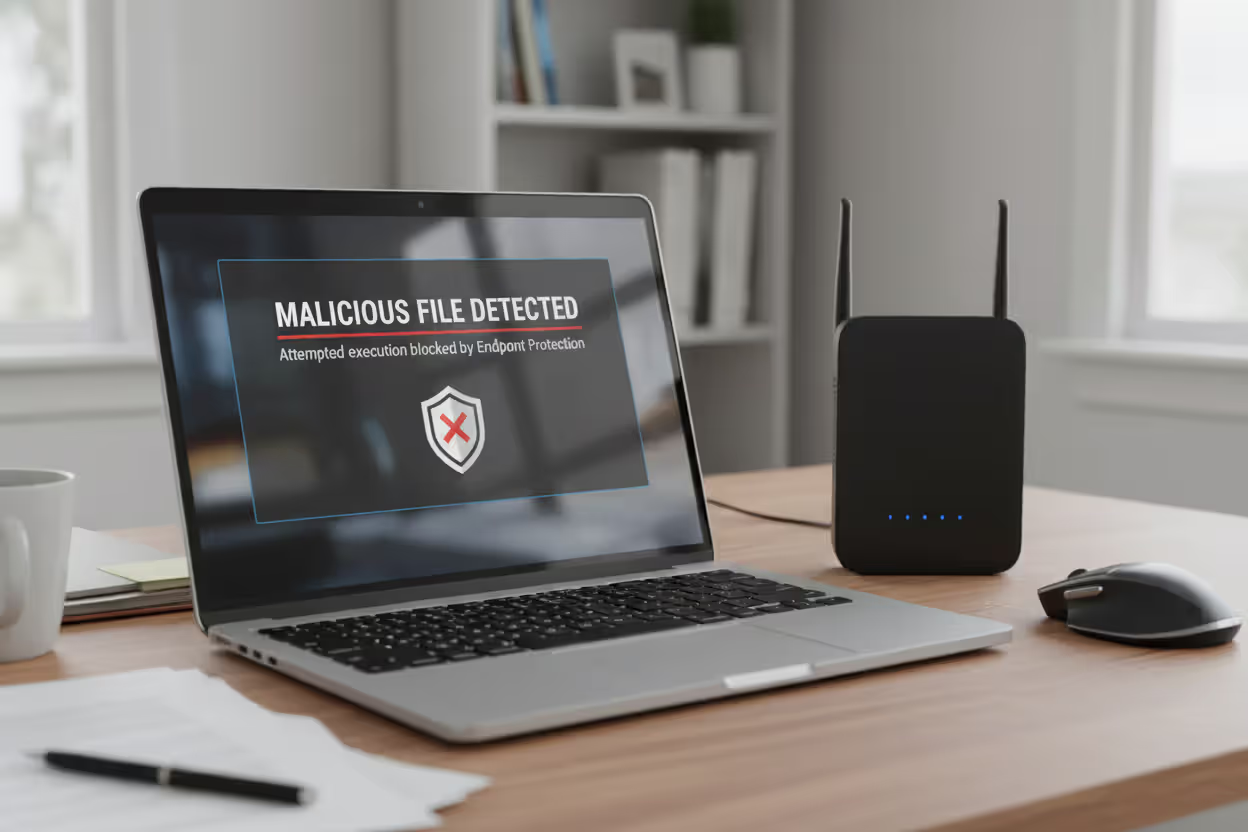
Here's a practical example: Your firewall (network security) might block a suspicious IP address attempting database connections. But suppose an employee clicks a phishing link and downloads malware. That threat bypassed your perimeter. Now endpoint security becomes critical—it catches the malicious software trying to execute on that employee's machine.
Why does this matter? Attackers changed tactics years ago. They've stopped trying to smash through firewalls. Instead, they send phishing emails crafted to look like messages from your CEO, build fake login portals that harvest credentials, or compromise USB drives left in parking lots. Once past the perimeter, they move laterally between machines, searching for financial data or customer information. Endpoint security spots unusual device activity, catching intruders before they establish persistence.
Author: Marcus Halbrook;
Source: williamalmonte.net
How Endpoint Security Works
Current endpoint platforms install lightweight monitoring agents directly on protected devices. These agents communicate with centralized servers, sharing threat intelligence and receiving updated policies.
Threat detection methods:
Signature-based scanning matches files against massive databases of known malware fingerprints. Works great for recognized threats. Results come back quickly with minimal false alarms. The catch? New malware slips through undetected. Imagine a bouncer checking IDs against a "banned" list—effective only for troublemakers already documented.
Behavioral analysis watches how programs actually behave. Excel launching PowerShell commands? Suspicious. Accounting software connecting to Eastern European servers? Red flag. Files encrypting rapidly across the system? Almost certainly ransomware. This catches brand-new malware that no signature database includes yet. Trade-off? More false positives when legitimate software does something unusual.
Machine learning evaluates thousands of file characteristics simultaneously—code architecture, system calls, network patterns, registry changes. Algorithms identify malicious intent in never-before-seen threats by recognizing attack patterns instead of specific malware samples. These systems improve continuously, learning from millions of customer deployments.
Prevention mechanisms include:
Application whitelisting flips traditional security upside down. Instead of blocking bad programs, you approve specific applications and reject everything else automatically. Extremely powerful, but demanding to manage—block the wrong executable and suddenly marketing can't deliver tomorrow's presentation.
Author: Marcus Halbrook;
Source: williamalmonte.net
Exploit prevention shuts down common attack techniques regardless of which specific malware attempts them. Buffer overflow? Automatically blocked. Suspicious privilege escalation? Terminated immediately. Credential harvesting tools? Stopped before execution. This protects against custom attack tools that have never been documented.
Web filtering prevents access to known malicious websites and blocks downloads from questionable sources. A manufacturing company dodged a serious infection when their filter stopped an employee from downloading a "PDF invoice" that was actually malware from a compromised supplier site.
Continuous monitoring processes:
Agents collect extensive telemetry: running processes, network connections, file modifications, registry updates, login attempts—basically everything. This information streams to analytics engines that identify patterns across your environment.
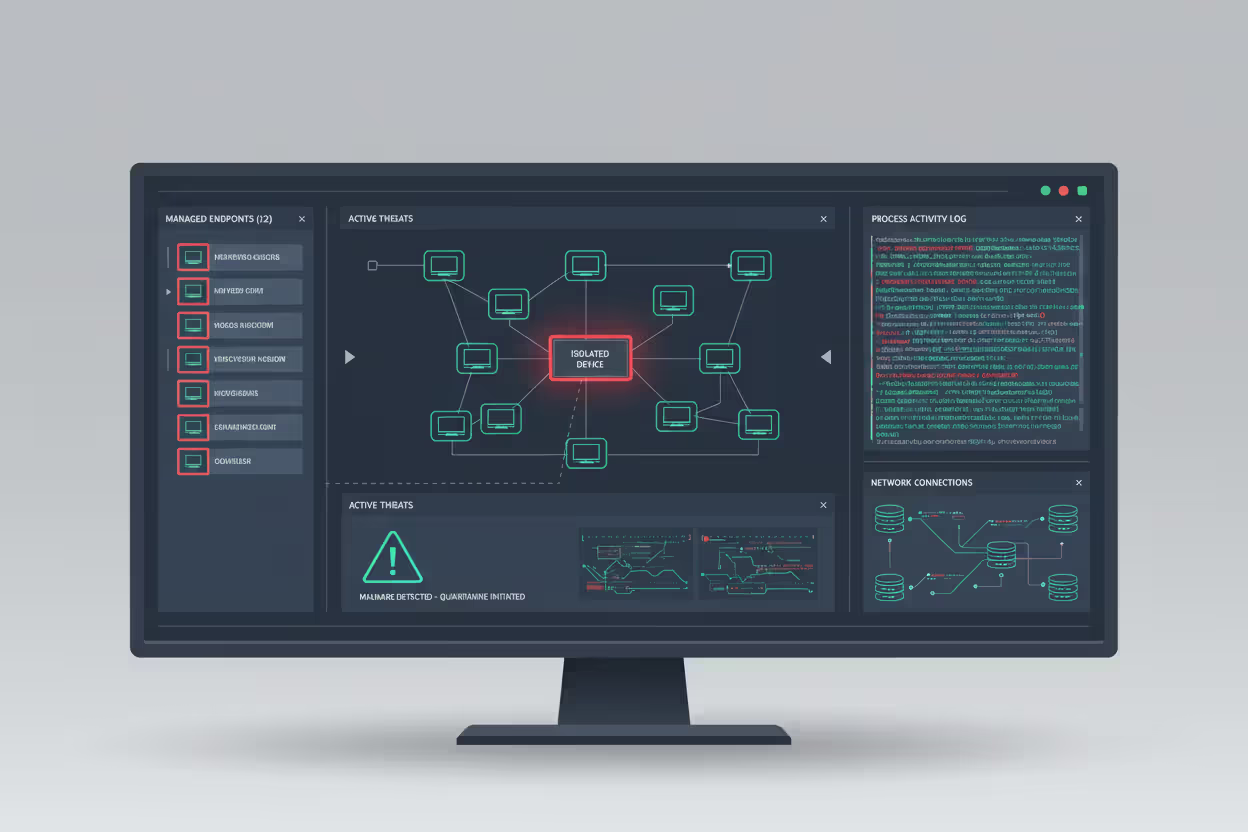
When suspicious activity appears, automated responses trigger instantly. Disconnect infected devices from the network. Kill malicious processes. Quarantine suspect files. Alert analysts for investigation. Speed determines whether you're dealing with one infected laptop or company-wide ransomware.
Types of Endpoint Security Solutions
Different solution categories address distinct security challenges:
| Solution Type | What It Does | How It Detects Threats | Works Best For |
| Traditional Antivirus | Stops recognized malware | Matches files against signature databases | Personal computers, minimal risk scenarios |
| EPP (Endpoint Protection Platform) | Prevents malware execution | Combines signatures with behavioral analysis and machine learning | Standard businesses needing solid baseline protection |
| EDR (Endpoint Detection & Response) | Investigates and responds to active threats | Analyzes activity patterns and behavioral anomalies | Security teams requiring forensic investigation tools |
| XDR (Extended Detection & Response) | Connects threat data across infrastructure | Correlates information from endpoints, networks, cloud, and email | Large enterprises with distributed, complex environments |
| MDM (Mobile Device Management) | Controls and protects mobile devices | Enforces configurations and controls applications | Companies supporting smartphones and tablets |
EPP platforms prioritize prevention. They stop malware through real-time inspection, blocking exploits, and controlling application execution. EPP handles common threats extremely well—the mass-distributed malware from spam campaigns and infected downloads.
EDR assumes some threats will slip through prevention layers. Instead of only blocking attacks, EDR gives analysts detailed visibility into endpoint activity. Teams hunt proactively for threats, investigate suspicious behavior, and reconstruct complete attack timelines. EDR excels against sophisticated attackers who use legitimate tools and move carefully.
XDR broadens the analysis scope by merging information from endpoint agents, network monitors, cloud platforms, and email gateways. Attack stages often look innocent when viewed separately. Someone downloading a file? Normal. That same person making unusual network connections later? Maybe fine. XDR connects that download to subsequent credential theft and data exfiltration, revealing the complete attack sequence.
MDM handles mobile security through device enrollment, policy enforcement, remote wiping, and app management. MDM prevents breaches when employees lose phones with work email or contractors access data on personal tablets.
Most companies layer these defenses. EPP prevents, EDR investigates, MDM secures mobile. You wouldn't choose between seatbelts OR airbags—you want both.
Common Endpoint Security Use Cases
Real scenarios where endpoint protection proves essential:
Protecting Remote and Hybrid Workers
Remote work eliminated the security advantages of controlled corporate networks. Employees connect through home routers with default passwords, work from public Wi-Fi at coworking spaces, and share networks with family members on questionable tablets.
Endpoint security maintains protection regardless of location. Whether people work from headquarters or a vacation rental, security follows the device. When your sales rep opens a phishing attachment at that hotel, endpoint security recognizes malicious code and blocks execution before files encrypt or credentials transmit.
Companies typically combine endpoint security with VPN requirements and zero-trust architectures. The endpoint agent checks device health before allowing network access—verifying software versions, scanning for infections, confirming disk encryption. Compromised devices get quarantined automatically.
Preventing Ransomware and Malware Attacks
Ransomware represents every business's nightmare scenario. Attackers encrypt critical files, then demand cryptocurrency payments for decryption keys. Even organizations with solid backups face weeks of disruption.
Endpoint security fights ransomware through multiple layers:
- Blocking initial infections (malicious attachments, infected downloads, contaminated USB drives)
- Detecting encryption patterns and killing ransomware processes mid-attack
- Preventing lateral spread to file servers and backup systems
- Rolling back unauthorized file modifications
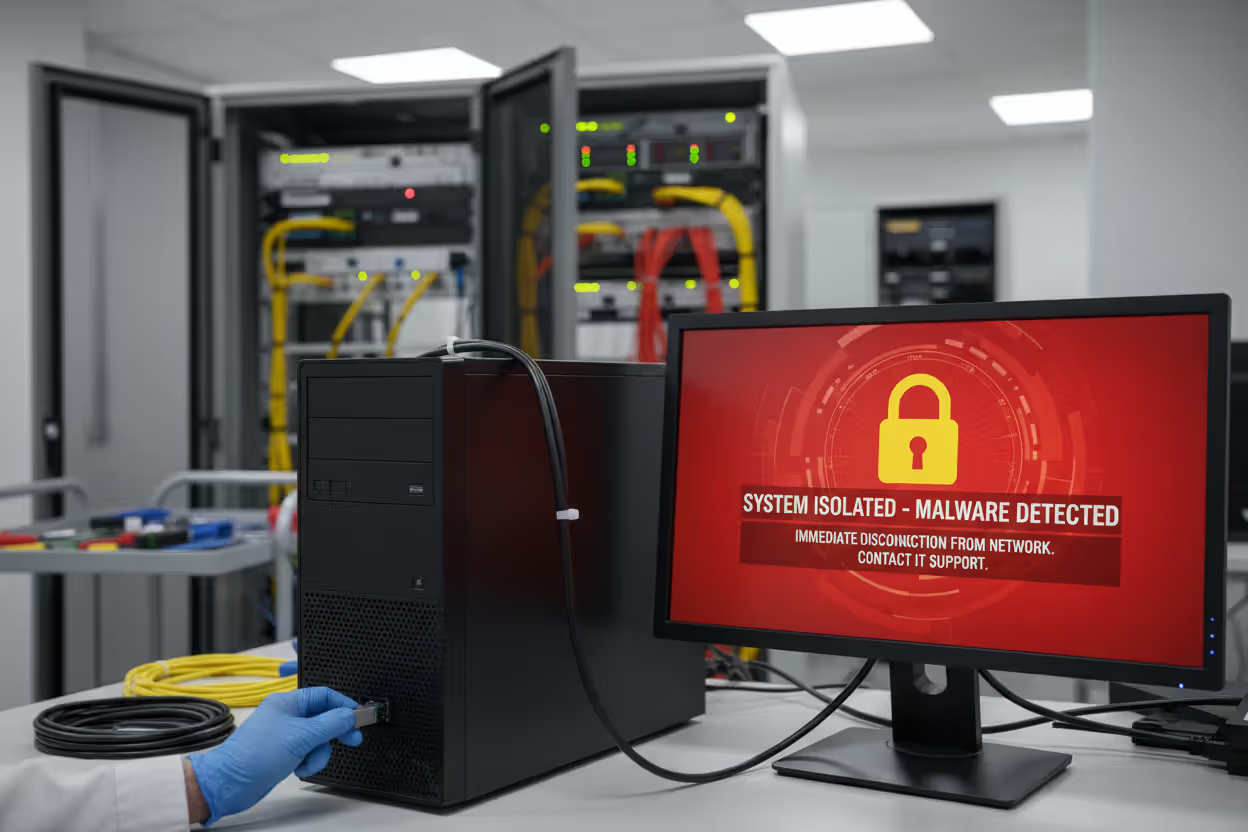
A Columbus healthcare provider avoided disaster when endpoint security detected unusual file modification patterns on a front-desk computer. The agent isolated that workstation in 30 seconds, stopping infection from reaching electronic health records. Total damage? One reimaged computer instead of a network-wide shutdown costing hundreds of thousands.
Author: Marcus Halbrook;
Source: williamalmonte.net
BYOD (Bring Your Own Device) policies let employees use personal devices for work. Sounds convenient until you realize personal smartphones rarely get security updates and often have sketchy apps installed. Endpoint security enforces separation between work and personal data through containerization. Business apps and files stay isolated in protected environments that administrators can remotely wipe without touching personal photos.
Regulatory compliance frequently mandates endpoint controls. HIPAA requires safeguards for devices accessing patient information. PCI DSS demands anti-malware on systems handling payment cards. SOC 2 auditors expect endpoint controls and detailed logs. Endpoint security delivers both technical protection and audit documentation.
Key Features to Look for in Endpoint Security
Endpoint security has evolved from a reactive, signature-based approach to a proactive, behavior-focused discipline. Organizations that treat endpoints as their primary security control point rather than a supplementary layer consistently demonstrate better resilience against modern threats
— Allie Mellen
Shopping for solutions? Prioritize these capabilities:
Real-time monitoring beats periodic scanning. Continuous visibility catches infections immediately versus hourly scans that only discover problems after they've spread. Look for process-level detail—which applications launched what executables, which files they touched, which connections they made. A regional bank identified an insider threat because their platform flagged an employee accessing customer accounts outside their normal responsibilities.
Automated response capabilities separate effective platforms from alert-generating noise machines. Manual investigation of every potential threat buries security teams. Quality automation—isolating infected devices, terminating malicious processes, blocking command servers—contains threats while analysts investigate. Make sure automation is configurable; overly aggressive responses disrupt legitimate work.
Threat intelligence integration enhances platforms by incorporating global threat data. Solutions should leverage feeds providing compromise indicators, malicious domain lists, and emerging attack techniques. This context distinguishes genuine threats from harmless quirks. It's the difference between treating every unusual activity equally versus understanding "this behavior matches a documented APT group."
Centralized management becomes critical for distributed workforces. Your console must show all endpoints, distribute policy changes to thousands of devices simultaneously, and generate reports for different stakeholders. Cloud-based management eliminates infrastructure requirements and protects devices that rarely connect to corporate networks.
Forensic capabilities determine investigation thoroughness. When incidents occur, detailed logs showing complete attack timelines become invaluable—compromise method, lateral movement, accessed data, exfiltration attempts. Investigation tools separate adequate from truly effective platforms.
Performance impact matters more than vendors admit. Security agents consume CPU, memory, and disk resources. Solutions that drag computers to a crawl generate helpdesk complaints until someone disables protection. Test performance on your actual hardware before deploying enterprise-wide.
Endpoint Security vs. Antivirus Software
These terms get confused frequently, but they're quite different:
| Feature Category | Endpoint Security Platform | Traditional Antivirus |
| Protection scope | Full threat lifecycle: prevention, detection, investigation | Only known malware variants |
| Detection methods | Behavioral monitoring, ML analysis, threat intelligence | Database signature matching |
| Response actions | Network isolation, forensic tools, threat hunting | Quarantine or delete files |
| Management model | Centralized platform with unified policies | Individual device installations |
| Visibility level | Continuous monitoring with comprehensive logs | Scheduled scans with basic alerts |
| Advanced threats | Catches fileless attacks, zero-days, legitimate tool abuse | Misses anything without signatures |
When basic antivirus works: Personal home computers with minimal sensitive data and reasonably careful users. If you're mainly checking email and reading news, the limited attack surface keeps risk manageable.
When comprehensive endpoint security becomes necessary: Organizations handling sensitive customer data, supporting remote workers, or meeting regulatory requirements need complete protection. Today's threats—nation-state hackers, ransomware gangs, supply chain compromises, insider risks—demand capabilities signature matching can't provide.
Think of antivirus as one tool within endpoint security. Modern platforms incorporate antivirus functionality plus behavioral detection, automated responses, and threat hunting. Upgrading from standalone antivirus to comprehensive endpoint security provides layered defense without managing separate products.
Frequently Asked Questions About Endpoint Security
Endpoint security protects laptops, smartphones, tablets, and servers employees use accessing business resources. As workforces scatter across home offices and coworking spaces while cybercriminals grow more sophisticated, securing individual endpoints shifted from optional to mandatory.
The evolution from signature-based antivirus to behavioral detection and automated response reflects changing attack methods. Today's adversaries leverage legitimate administrative tools, move deliberately to avoid detection, and exploit human psychology as effectively as technical vulnerabilities. Endpoint security addresses these challenges through persistent monitoring, ML-powered detection, and rapid automated containment.
Selecting appropriate endpoint security depends on your risk profile, workforce distribution, and existing infrastructure. Small businesses benefit from cloud-based EPP offering automated protection with minimal management. Enterprises facing sophisticated threats need EDR or XDR enabling proactive hunting and detailed forensics. Nearly every organization requires MDM for protecting smartphones and tablets accessing corporate information.
Successful endpoint security combines technology, clear policies, and educated users. Deploy agents across all devices. Enforce configuration standards. Maintain current software. Train employees recognizing phishing. No single measure eliminates every risk, but comprehensive endpoint protection substantially reduces attack surface and accelerates response when breaches occur.
Start by inventorying which devices access sensitive data. Then evaluate solutions based on actual requirements rather than vendor marketing. Remember—the most effective endpoint security is what your team will consistently use and maintain.
Related Stories

Read more

Read more



The content on this website is provided for general informational and educational purposes only. It is intended to explain concepts related to endpoint security, cybersecurity practices, threat prevention, and security technologies.
All information on this website, including articles, guides, and examples, is presented for general educational purposes. Cybersecurity requirements and implementations may vary depending on organizational needs, infrastructure, regulatory requirements, and threat environments.
This website does not provide professional cybersecurity, legal, or compliance advice, and the information presented should not be used as a substitute for consultation with qualified cybersecurity professionals.
The website and its authors are not responsible for any errors or omissions, or for any outcomes resulting from decisions made based on the information provided on this website.