

Endpoint security dashboard protecting laptops, smartphones, and servers
Endpoint Control Guide

Content
Content
Organizations face an average of 1,270 cyberattacks weekly in 2026, with endpoints representing the primary entry point for 68% of successful breaches. Every laptop, smartphone, server, and IoT device connected to your network creates a potential vulnerability that threat actors actively probe for weaknesses.
Endpoint control addresses this challenge by establishing comprehensive oversight and protection mechanisms across all devices accessing corporate resources. Unlike traditional perimeter-based security that assumes threats come from outside, endpoint control recognizes that modern work environments—with remote employees, contractor access, and cloud services—have dissolved the network boundary entirely.
What Is Endpoint Control?
Endpoint control refers to the policies, technologies, and processes that secure devices connecting to enterprise networks while enforcing compliance standards and detecting threats. The term encompasses both preventive measures that block malicious activity and detective capabilities that identify compromised systems before damage spreads.
An endpoint represents any device that communicates bidirectionally with a network: workstations, mobile phones, tablets, servers, point-of-sale systems, medical devices, and industrial controllers. Each endpoint runs applications, stores data, and maintains network connections—creating multiple attack surfaces that require continuous monitoring.
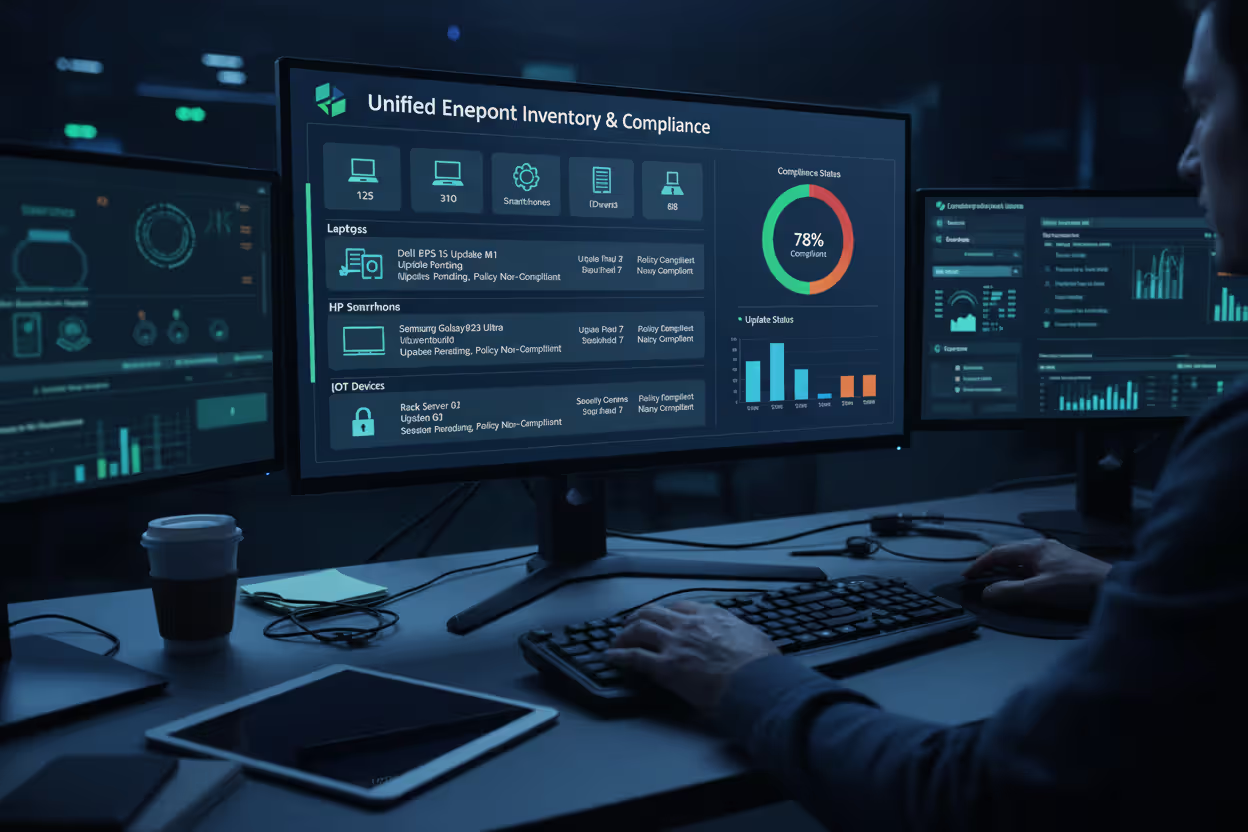
The endpoint control basics start with visibility. You cannot protect what you cannot see. Modern solutions maintain real-time inventories of all connected devices, tracking hardware specifications, installed software, patch levels, and user access patterns. This foundational awareness enables security teams to identify unauthorized devices, outdated systems, and configuration drift that violates security policies.
Author: Vanessa Keaton;
Source: williamalmonte.net
Endpoint control differs fundamentally from traditional antivirus software in scope and methodology. Antivirus products focus narrowly on identifying known malware signatures and blocking their execution. Endpoint control takes a broader approach: monitoring system behavior, enforcing access policies, managing application permissions, encrypting data, and coordinating responses across the security infrastructure. Where antivirus asks "Is this file malicious?", endpoint control asks "What is this device doing, who authorized it, and does its behavior align with established patterns?"
Key terminology includes:
Agent: Software installed on endpoints that monitors activity, enforces policies, and communicates with management infrastructure. Agents typically run with elevated system privileges to observe processes that standard applications cannot access.
Policy: Configurable rules that define acceptable device states and behaviors. Policies might specify required encryption standards, prohibited applications, mandatory patches, or network segmentation requirements.
Telemetry: Continuous data streams from endpoints reporting system events, network connections, file modifications, and user activities. Telemetry feeds threat detection engines and provides forensic evidence during incident investigations.
Remediation: Automated or manual actions taken to address security violations, such as isolating infected devices, terminating malicious processes, or rolling back unauthorized changes.
Endpoint security has evolved from a simple antivirus deployment to a critical control point for the entire security architecture. Organizations that treat endpoints as passive recipients of protection rather than active participants in threat detection are consistently outmaneuvered by sophisticated attackers
— Neil MacDonald
How Endpoint Control Works
Endpoint control systems operate through continuous cycles of monitoring, analysis, and enforcement. The process begins when lightweight agent software deploys to each managed endpoint, establishing a secure communication channel with centralized management infrastructure.
The agent monitors hundreds of system indicators simultaneously: process creation and termination, registry modifications, network connections, file system changes, authentication attempts, and hardware device attachments. This raw telemetry flows to analytics engines that correlate events across time and multiple devices, identifying patterns that suggest compromise.
Detection relies on multiple methodologies working in concert. Signature-based detection compares files and network traffic against databases of known threats—fast and reliable for identifying established malware families. Behavioral analysis examines how applications interact with the operating system, flagging unusual activities like a word processor initiating network connections to unfamiliar domains or a PDF reader attempting to modify system files. Machine learning models trained on millions of benign and malicious samples classify suspicious artifacts, often detecting threats before signature databases update.
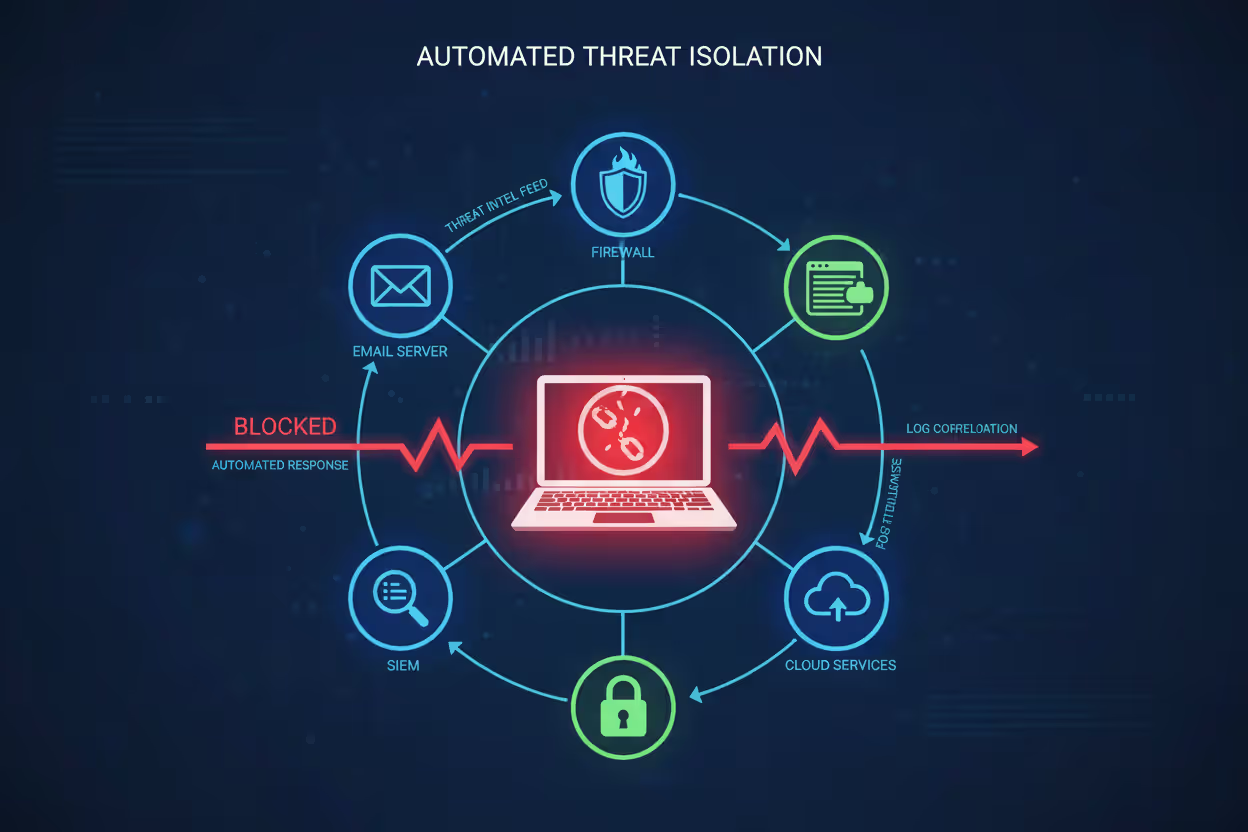
When the system identifies a potential threat, the policy engine evaluates configured response rules. Simple violations might generate alerts for security team review. High-confidence detections trigger automated responses: killing malicious processes, quarantining files, blocking network communication, or completely isolating the endpoint from corporate resources.
Integration with broader security infrastructure amplifies effectiveness. Endpoint control platforms share threat intelligence with firewalls, email gateways, and SIEM systems, enabling coordinated defense. When one endpoint detects a phishing campaign, the control system can automatically block the sender across all email servers and scan other devices for indicators of compromise—containment that would take hours manually happens in seconds.
Author: Vanessa Keaton;
Source: williamalmonte.net
Key Components of Endpoint Control Systems
Agent Software: The frontline component installed on each protected device. Agents must balance comprehensive monitoring against performance impact. Modern agents consume 1-3% of system resources during normal operation, spiking briefly during intensive scans. Cloud-delivered agents receive updates automatically without requiring endpoint reboots, maintaining protection against emerging threats without disrupting users.
Central Management Console: Web-based interfaces where administrators configure policies, review alerts, investigate incidents, and generate compliance reports. Effective consoles present actionable intelligence rather than raw data floods—prioritizing alerts by severity, grouping related events, and suggesting remediation steps. Role-based access controls ensure help desk staff see different information than security analysts or compliance officers.
Threat Intelligence Feeds: External data sources providing indicators of compromise, vulnerability disclosures, and attacker tactics. Premium feeds update every few minutes with newly discovered threats. The control system automatically incorporates these indicators into detection rules, protecting against threats that didn't exist when agents last updated.
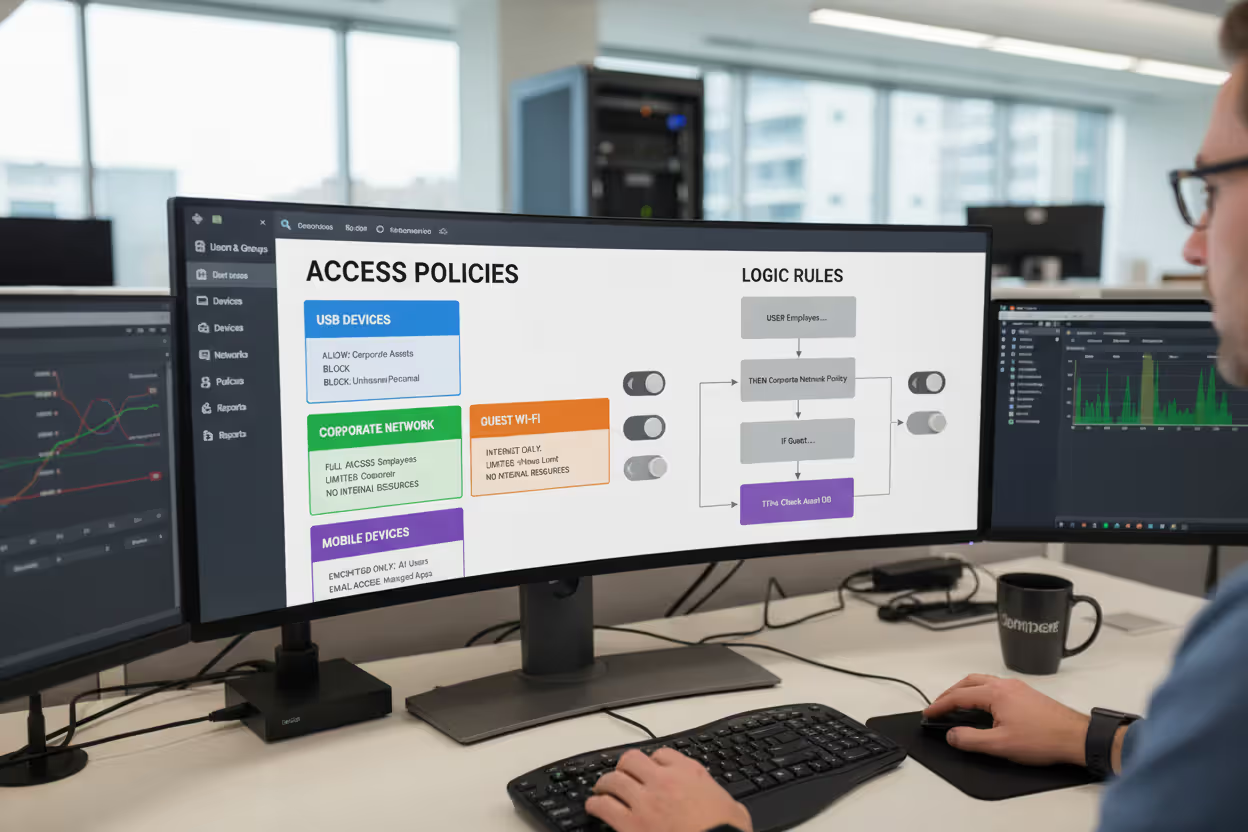
Policy Engine: The logic layer that translates business requirements into technical controls. Policy engines support conditional rules: "Allow USB storage devices for engineering department on corporate network, but block them for all users on guest WiFi." Granular policies reduce friction for legitimate work while maintaining security boundaries.
Author: Vanessa Keaton;
Source: williamalmonte.net
Types of Endpoint Control Solutions
Organizations choose from several solution categories, each addressing different security priorities and operational models.
| Solution Type | Primary Function | Threat Detection Method | Best For | Typical Cost Range |
| EPP (Endpoint Protection Platform) | Preventive security blocking known threats | Signature-based with basic behavioral rules | Small to mid-size organizations needing baseline protection | $30-60 per endpoint annually |
| EDR (Endpoint Detection & Response) | Threat hunting and incident investigation | Behavioral analytics with forensic capabilities | Organizations with security teams capable of investigating alerts | $50-100 per endpoint annually |
| XDR (Extended Detection & Response) | Unified threat detection across endpoints, network, cloud, and email | Correlated analysis across multiple security layers | Enterprises seeking consolidated security operations | $75-150 per endpoint annually |
| UEM (Unified Endpoint Management) | Configuration management and policy enforcement | Compliance monitoring rather than threat detection | IT operations teams managing diverse device fleets | $40-80 per endpoint annually |
Endpoint Protection Platforms represent the baseline, combining next-generation antivirus with exploit prevention and device control. EPP solutions work well for organizations with limited security staff who need reliable protection that operates autonomously. The trade-off: EPP focuses on blocking known threats and may miss novel attack techniques that lack established signatures.
Endpoint Detection and Response platforms assume some threats will bypass preventive controls. EDR systems collect extensive telemetry and provide investigation tools that let analysts trace attacker movements across the network. Security teams use EDR to answer questions like "Which other systems did this compromised laptop communicate with?" or "What files did the attacker access before we detected them?" EDR demands more expertise—the tools generate alerts requiring human interpretation and response decisions.
Extended Detection and Response platforms aggregate data from endpoints alongside network traffic, cloud workloads, and email systems. XDR's cross-domain correlation identifies attacks that appear innocuous when examining individual systems in isolation. An XDR platform might connect a phishing email delivered Tuesday, unusual cloud storage access Wednesday, and suspicious endpoint behavior Thursday—revealing a coordinated attack that single-purpose tools would miss.
Unified Endpoint Management platforms prioritize configuration consistency and policy enforcement over threat detection. UEM solutions excel at managing diverse device fleets: ensuring corporate iPads run approved iOS versions, deploying applications to Windows laptops, configuring VPN settings on Android phones, and remotely wiping lost devices. Organizations often deploy UEM alongside EPP or EDR rather than choosing between them.
Common Endpoint Control Use Cases
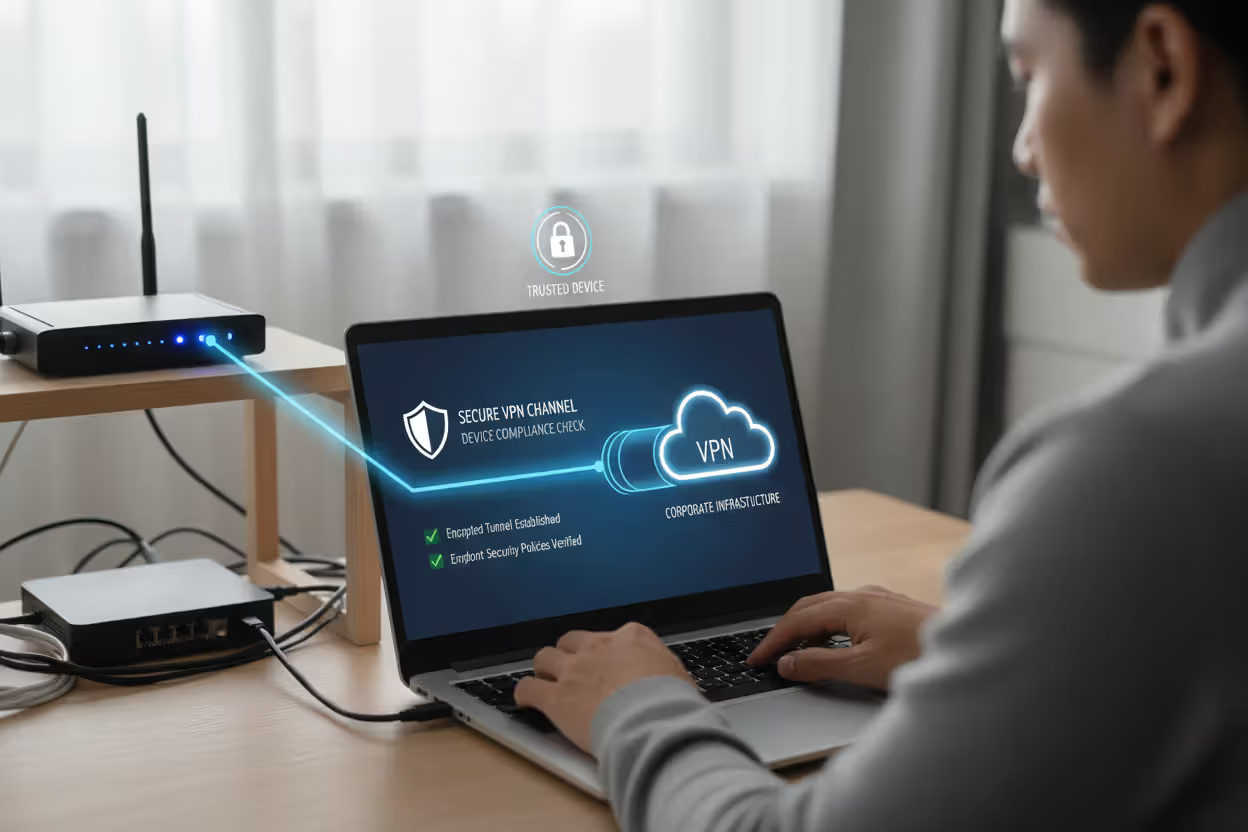
Remote Workforce Protection: A financial services company with 3,000 remote employees uses endpoint control to extend corporate security policies to home networks. Agents verify that laptops connecting to customer data maintain full-disk encryption, run current patches, and disable remote desktop protocols vulnerable to exploitation. When an employee's home network shows signs of compromise—perhaps their router participates in a botnet—the endpoint control system restricts that laptop to VPN-only connectivity, preventing lateral movement into corporate infrastructure.
Author: Vanessa Keaton;
Source: williamalmonte.net
BYOD Policies: A healthcare system allows physicians to access patient records from personal tablets. Endpoint control agents create secure containers on these devices, separating work data from personal applications. The system enforces that medical data never synchronizes to personal cloud storage, screenshots are disabled within clinical applications, and devices automatically lock after three minutes of inactivity. When physicians leave the organization, administrators remotely wipe only the corporate container, preserving personal photos and applications.
Compliance Requirements: A payment processor subject to PCI-DSS audits uses endpoint control to demonstrate compliance with cardholder data protection standards. The system generates reports proving that all devices accessing payment systems run approved software versions, maintain current antivirus signatures, and log administrative actions for forensic review. Automated policy enforcement prevents configuration drift that would create audit findings—if an administrator attempts to disable logging on a critical server, the endpoint agent blocks the change and alerts the security team.
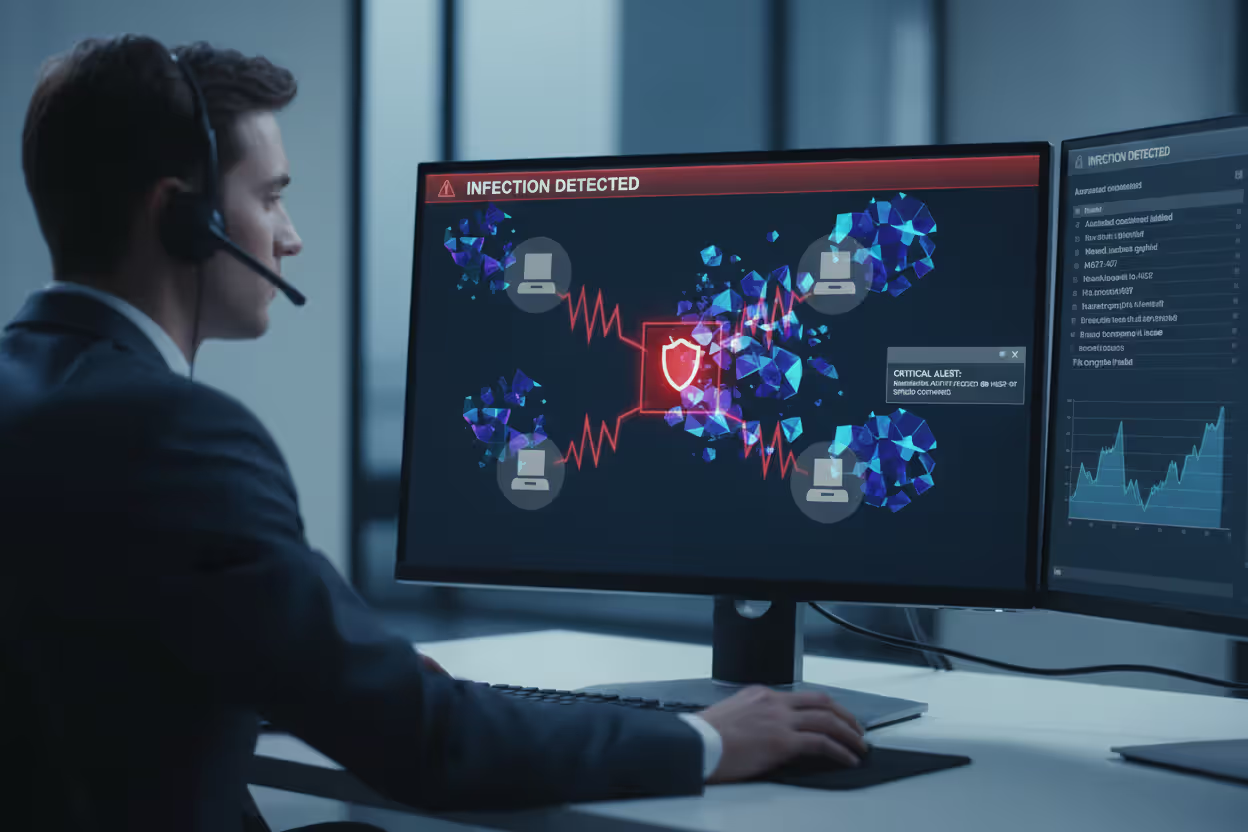
Ransomware Prevention: A manufacturing company deploys endpoint control focused on ransomware indicators: rapid file encryption, volume shadow copy deletion, and backup service termination. When an employee opens a malicious email attachment, the agent detects encryption behavior within seconds—before significant damage occurs. The system automatically isolates the infected workstation, preserves forensic evidence, and alerts the security team. Automated backups restore the handful of encrypted files within an hour rather than the days or weeks required for full recovery.
Data Loss Prevention: A law firm uses endpoint control to prevent unauthorized data exfiltration. Policies block copying case files to USB drives, uploading documents to personal cloud storage, or emailing attachments to non-firm addresses. When an attorney leaving for a competitor attempts to copy client files, the system blocks the action, alerts management, and logs the attempt as evidence for potential legal proceedings.
Author: Vanessa Keaton;
Source: williamalmonte.net
Implementing Endpoint Control in Your Organization
Assessment Phase: Inventory all endpoints currently accessing corporate resources, including forgotten devices like conference room displays, warehouse barcode scanners, and executive home computers. Document what data each endpoint type accesses and regulatory requirements that apply. Identify gaps in current protection—perhaps mobile devices lack management entirely or legacy systems run unsupported operating systems incompatible with modern agents.
Solution Selection: Evaluate products against specific requirements rather than feature checklists. Run proof-of-concept deployments with your actual endpoints and workflows. Sales demonstrations showcase ideal scenarios; POCs reveal how solutions handle your environment's quirks—the legacy manufacturing application that triggers false positives, or the executive who demands Mac compatibility. Consider total cost beyond licensing: implementation services, staff training, ongoing management overhead, and integration requirements.
Deployment Phases: Resist the temptation to deploy enterprise-wide immediately. Start with a pilot group of 50-100 endpoints representing diverse device types and user roles. Monitor for performance impacts, policy conflicts, and user complaints. Adjust configurations based on pilot feedback before expanding to additional groups. Phased deployment lets you refine the implementation while maintaining operational stability.
A common mistake: deploying agents in enforcement mode from day one. Run in monitoring mode initially, collecting telemetry and reviewing what policies would block without actually preventing activities. This observation period reveals legitimate business processes that your initial policies would disrupt. After two weeks of monitoring, enable enforcement gradually—starting with universally accepted controls like malware blocking before implementing controversial restrictions like USB device blocking.
Employee Training: Users need to understand what endpoint control does and why it matters. Brief training sessions explaining that the system protects both corporate data and employee personal information reduce resistance. Address common concerns directly: "Will this monitor my personal activities?" (No, only work-related data on corporate devices) and "Will this slow down my computer?" (Minimal impact, typically unnoticeable).
Ongoing Management: Endpoint control requires continuous attention, not set-and-forget deployment. Review alerts weekly, investigating patterns that suggest policy refinements. Update policies quarterly as business requirements evolve—new applications require approval, acquired companies need integration, regulatory changes demand additional controls. Audit agent coverage monthly, identifying endpoints that have fallen out of management due to extended offline periods or agent failures.
Endpoint Control Challenges and Limitations
Performance Impact: Agents monitoring system activity inevitably consume resources. Older hardware with limited memory or slow processors may experience noticeable slowdowns. Intensive scans compete with business applications for CPU cycles. Organizations sometimes exempt critical systems from continuous monitoring, accepting increased risk to maintain operational requirements—a trade-off that requires explicit risk acceptance from business leadership.
False Positives: Behavioral detection generates alerts for legitimate activities that resemble threats. Software developers compiling code trigger alerts about suspicious process creation. Administrators using legitimate remote access tools get flagged for mimicking attacker techniques. Excessive false positives create alert fatigue where security teams ignore warnings—potentially missing real threats buried in noise. Tuning detection rules for your specific environment requires weeks of refinement.
Compatibility Issues: Some applications conflict with endpoint control agents, particularly software that performs low-level system operations: disk encryption tools, virtualization platforms, or performance monitoring utilities. Older industrial control systems and medical devices often cannot run modern agents at all, leaving them unprotected or requiring network segmentation as a compensating control.
User Resistance: Employees perceive endpoint control as surveillance or distrust. Restrictions on USB devices frustrate users accustomed to transferring files freely. Performance impacts during scans generate help desk tickets. Transparent communication about security rationale reduces resistance, but some friction remains inevitable when security requirements conflict with convenience.
Cost Considerations: Enterprise-grade endpoint control represents significant investment: licensing fees, implementation services, management infrastructure, and ongoing operational costs. Organizations with thin security budgets face difficult choices between comprehensive endpoint control and other security priorities like network monitoring or security awareness training. Prioritize protecting endpoints that access the most sensitive data rather than achieving uniform coverage across all devices simultaneously.
Frequently Asked Questions About Endpoint Control
Endpoint control has evolved from optional security enhancement to fundamental infrastructure requirement. The combination of remote work normalization, sophisticated threat actors, and expanding regulatory requirements makes comprehensive endpoint visibility and control non-negotiable for organizations handling sensitive data.
Successful implementation balances security requirements against operational realities. Start with clear visibility into your endpoint landscape, choose solutions aligned with your security team's capabilities, and deploy incrementally while refining policies based on real-world feedback. Perfect security remains impossible, but effective endpoint control dramatically reduces your attack surface and accelerates incident response when breaches occur.
The organizations best positioned for 2026's threat landscape treat endpoints as active security participants rather than passive assets requiring protection. Invest in endpoint control capabilities appropriate for your risk profile, train users on their security responsibilities, and maintain the discipline for ongoing policy refinement. The endpoint security controls you implement today determine whether tomorrow's incident becomes a minor inconvenience or an existential crisis.
Related Stories

Read more

Read more



The content on this website is provided for general informational and educational purposes only. It is intended to explain concepts related to endpoint security, cybersecurity practices, threat prevention, and security technologies.
All information on this website, including articles, guides, and examples, is presented for general educational purposes. Cybersecurity requirements and implementations may vary depending on organizational needs, infrastructure, regulatory requirements, and threat environments.
This website does not provide professional cybersecurity, legal, or compliance advice, and the information presented should not be used as a substitute for consultation with qualified cybersecurity professionals.
The website and its authors are not responsible for any errors or omissions, or for any outcomes resulting from decisions made based on the information provided on this website.